You're in a café, halfway through your coffee, when someone walks past in a coat you can't stop thinking about. The lapels are oversized, the hem sits just above the hip, and the brushed wool catches the light in a way that cheaper fabric never does. You know exactly how it looks, but not what it is, where it came from, or what words could possibly lead you to it.
Finding clothing from a fleeting sighting is less about one magical search tool and more about preserving evidence. The useful details are usually small: the shape of a collar, the color of the buttons, the placement of a seam, a logo reflected in a mirror, or the account tagged three lines below a creator's caption.
The method depends on where you saw the garment. A clear photograph favors reverse image search. A social post favors tag mining. A boutique display favors direct brand outreach. A magazine or editorial image favors visual search combined with archive research. Start with the branch that matches your evidence, then move to the next only when the first produces a weak lead.
Table of Contents
- When You Spot a Garment You Cannot Name
- Reverse Image Search the Garment
- Hunting Through Tags, Captions, and Creator Credits
- Browser Extensions and Visual Search Tools Compared
- Asking the Brand or Seller Directly
- A Full Hunt From Street Style to Checkout
- Quick Reference for Your Next Clothing Search
When You Spot a Garment You Cannot Name
The first mistake is reaching for a search box before looking properly. Experienced shoppers build a quick visual inventory before they search, because every later tactic rewards different evidence. A full outfit photograph may work well in Google Lens, while a partially visible label may be more valuable than the garment itself.
Start with the silhouette. Is the coat boxy, fitted, or shaped through the waist? Does the shoulder line look structured? Is the hem cropped, straight, curved, or oversized? Then note the color in plain language. “Warm brown” is often more useful than a vague search for “tan jacket,” especially when you later combine it with fabric or hardware terms.
Texture narrows the field. Look for brushed wool, compact cotton, shiny nylon, slub linen, ribbed knit, or distressed leather. Hardware can identify a piece faster than color, particularly when a garment has unusual tortoiseshell buttons, matte snaps, western buckles, or a distinctive zipper pull.
Practical rule: Search what the camera can see, not what you assume the garment is called.
Check for visible labels, care tags, monograms, contrast stitching, pocket shapes, and repeated motifs. If the image is online, save the cleanest screenshot available before the post disappears or the platform compresses it. If the garment is on a stranger, observe discreetly and record the details afterward rather than interrupting someone's day.
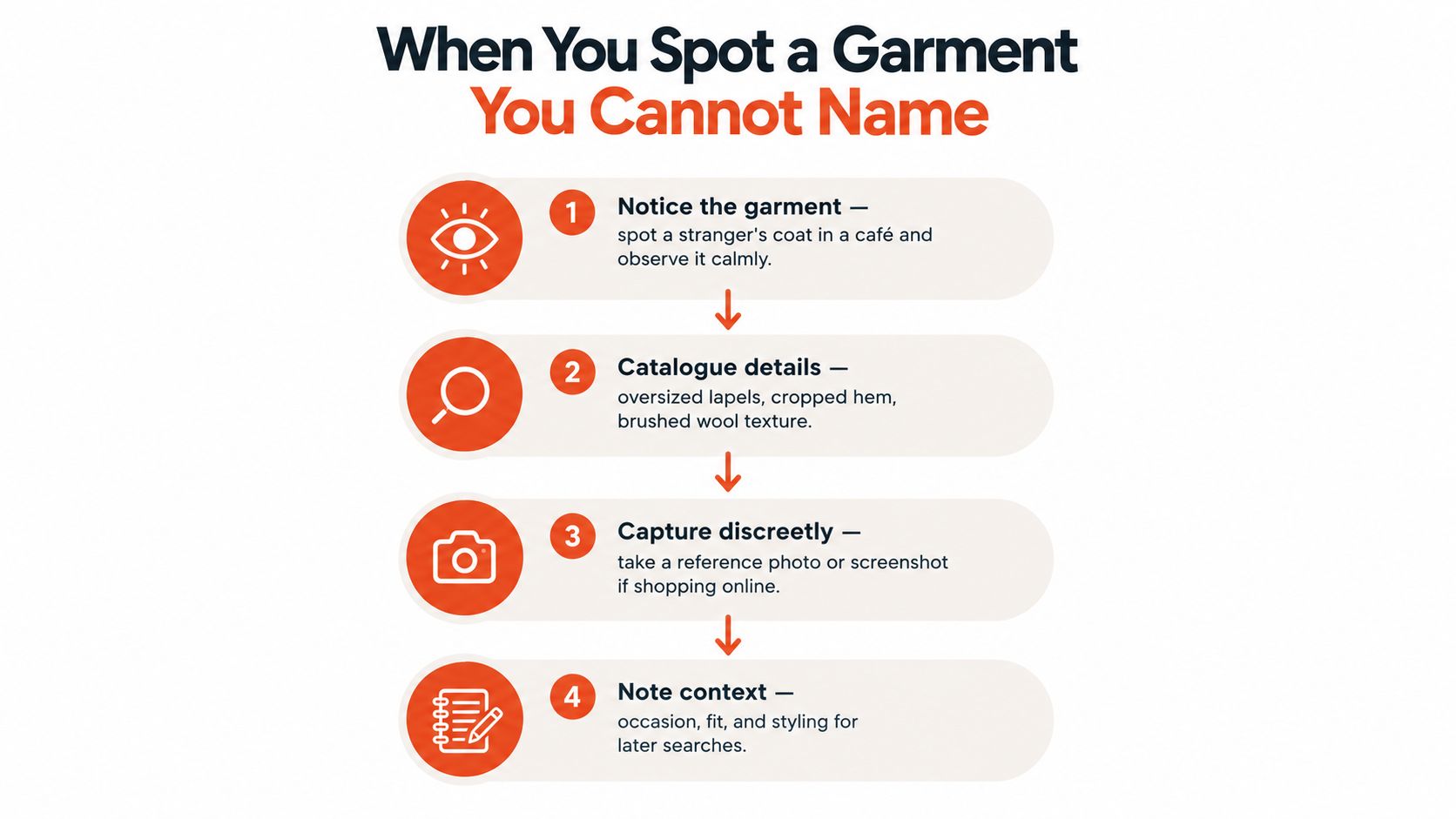
The decision tree is straightforward:
- Clear photo: Begin with reverse image search, then crop the garment and repeat.
- Instagram or TikTok sighting: Mine the caption, tags, comments, and creator credits.
- Boutique or shop display: Contact the brand or retailer with a precise description.
- Magazine or editorial scan: Use visual search, then trace the stylist, photographer, and seasonal collection.
Fit uncertainty makes online apparel unusually difficult to evaluate. Online apparel is one of ecommerce's most returned categories, and research summarized by Size.ly's ecommerce return statistics guide reports that size and fit account for a substantial share of those returns. Identifying the right garment is only half the job. You also need enough information to judge whether the actual item will suit your proportions and expectations.
Reverse Image Search the Garment
Reverse image search works best when you treat the original picture as raw material rather than a finished query. Run the full image first, then create tighter crops for the garment, logo, buttons, collar, and any distinctive detail.
Start broad, then isolate the evidence
Upload the full image to Google Images or Google Lens. A full frame can reveal the original editorial, creator post, or retailer page, even if the clothing itself isn't recognized immediately. If the results focus on the café, the model, or the background, crop everything except the garment and try again.
A coat photographed on a person may produce similar coats rather than the exact product. Read those matches carefully. A similar lapel can point you toward the right category, while a matching button arrangement or pocket construction is stronger evidence of an exact match.
The result page is a lead generator, not a verdict. Open the retailer page, inspect the product photographs, and compare the garment from several angles. Check the fabric description, color name, closure, and measurements. Product titles often change between retailers, so visual agreement matters more than matching wording.
Use different engines for different trails
Bing Visual Search is worth a second pass when Google returns broad fashion inspiration but no useful retailer page. It can surface product listings that aren't prominent in the first set of Google results, including pages from smaller European retailers.
Pinterest Lens is particularly useful for editorial styling, outfit boards, and blogger posts. Its strongest result may not be a product page. It may be a saved outfit that contains the original credit, a seasonal roundup, or a comment identifying the brand.
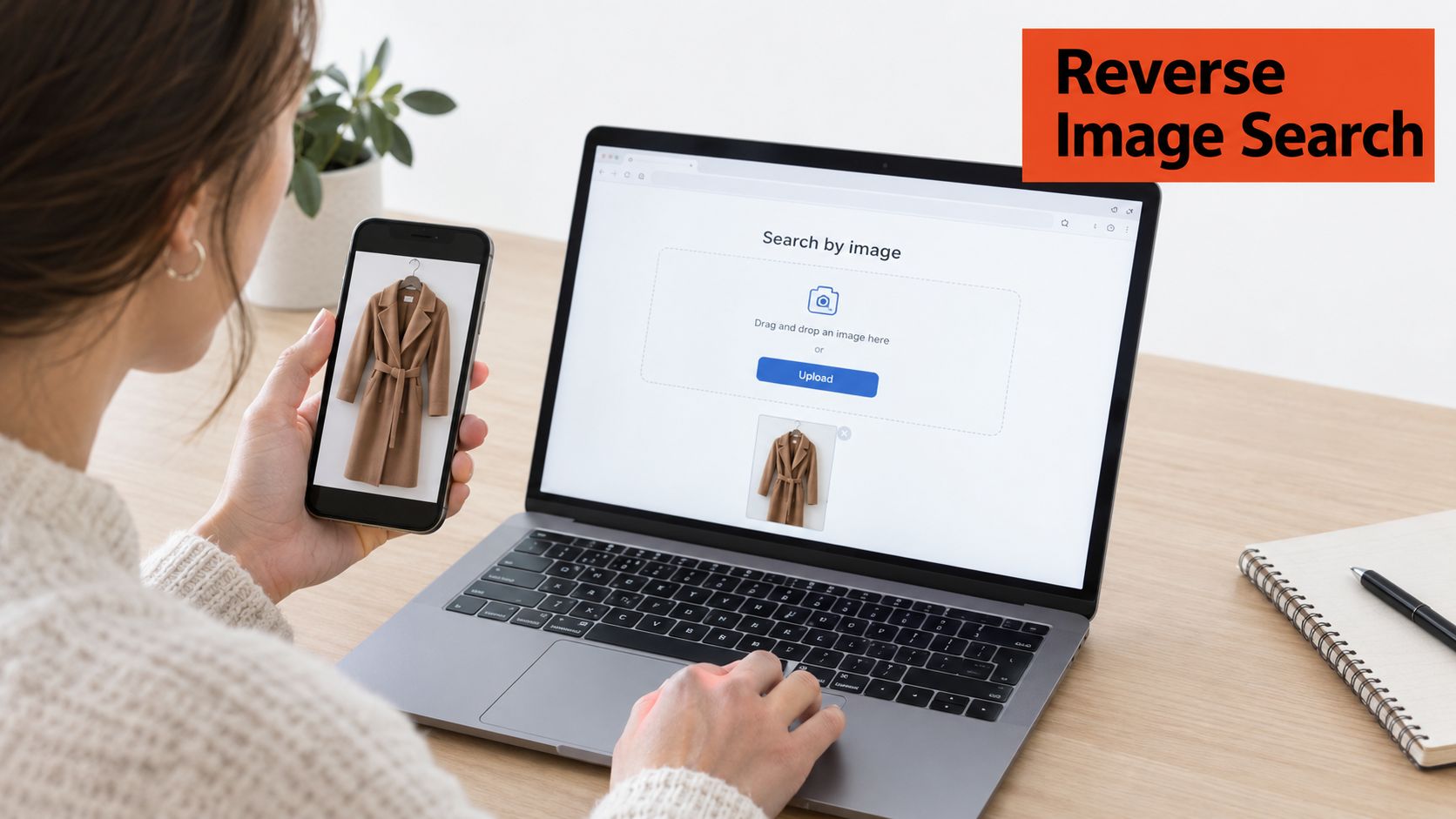
Use a second image if the first is heavily edited, watermarked, dim, or blurred. A brighter screenshot can expose stitching and fabric texture that the initial crop concealed. For a patterned knit or layered outfit, make separate crops of the upper body, lower body, and accessory rather than expecting one image to identify everything at once.
If the engine finds the right shape but the wrong brand, keep the result. Silhouette and fabric-family matches often provide the vocabulary needed for the next search.
Hunting Through Tags, Captions, and Creator Credits
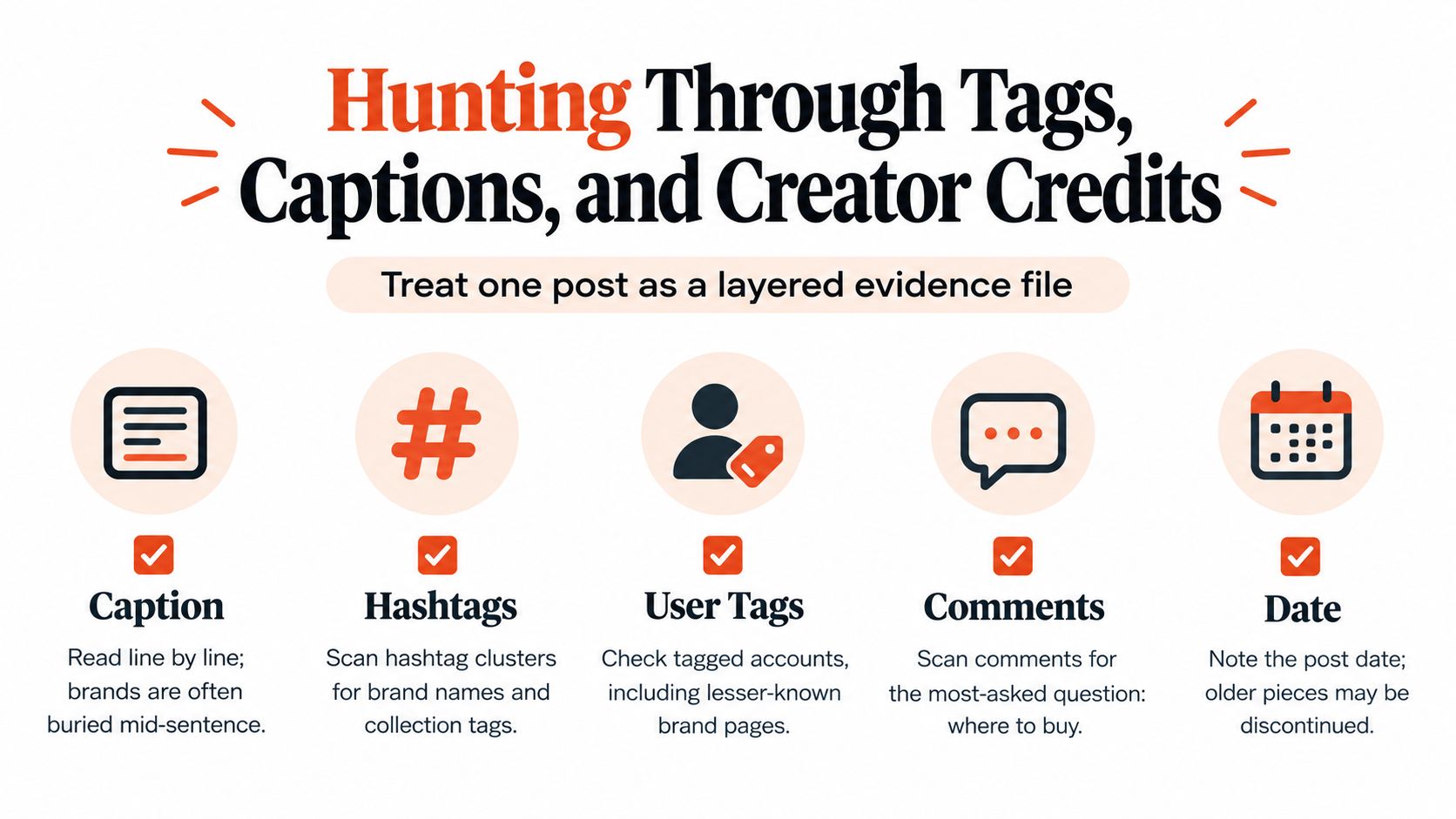
A social post is rarely just one clue. Treat it as a layered evidence file, especially when the creator hasn't placed the product link in an obvious spot.
Read the caption from the beginning instead of jumping straight to hashtags. Brand names often appear in a sentence about the occasion, a disclosure line, or a styling note. Scan the hashtags afterward for collection names, retailer names, campaign terms, and less obvious labels.
Then inspect every account connected to the post. Open tagged products, tagged people, the creator's bio link, and any linked storefront. A link may route through LTK, LikeToKnowIt, or a Shopify shop before it reaches the retailer. If the creator has a “shop my look” page, search within it for the garment's category rather than relying on the image thumbnail.
TikTok requires a slightly different reading order. Check the text overlay before the caption, then open the pinned comment. Creators often answer “where is this from?” there, particularly when the spoken video moves too quickly to name every item.
- Caption: Read line by line for brand mentions and disclosure text.
- Hashtags: Look for collection names, retailer tags, and designer references.
- Tagged accounts: Open both obvious and unfamiliar profiles.
- Comments: Search for questions about the item and read the replies.
- Post date: Older pieces may be discontinued, seasonal, or available only through resale.
When no brand appears, use a tight screenshot in the platform's own visual search where available. A social platform may match creator photography more effectively than an outside engine because the visual context is similar. Keep the original post open while searching so you can compare the proposed match with the actual drape, color, and styling.
The credit trail can extend beyond the creator. A stylist may tag the designer, the designer may credit a manufacturer, and the manufacturer may have a wholesale listing with a product code. That code is often the cleanest path to the exact SKU, particularly for garments distributed through several boutiques under different product titles.
Browser Extensions and Visual Search Tools Compared
Browser helpers are useful when you're already looking at the source image in a desktop tab. They become less useful when the garment is tiny, obscured by another layer, or shown in a mirror reflection. The right choice depends less on brand recognition than on the type of image you can provide.
| Tool | Best For | Free Tier | Accuracy on Street-Style | Works On |
|---|---|---|---|---|
| Google Lens | Broad product and image matching | Yes | Strong with clear crops | Chrome, Safari, Google Images |
| Bing Visual Search | Retailer pages and alternative listings | Yes | Useful with clean full-frame shots | Bing, supported browsers |
| Pinterest Lens | Outfit boards, editorials, and creator posts | Yes | Strong when styling context matters | Pinterest app and web |
| Lykdat | Fashion-focused product discovery | Availability varies | Better with isolated garments | Web uploads |
| ShopShops | Shopping-led visual discovery | Availability varies | More useful for retail-oriented images | Web and supported shopping flows |
| ASOS Style Match | Similar items within ASOS's catalog | Yes within its service | Best for straightforward product shapes | ASOS app and site |
One-click extensions such as Google Lens, Bing Visual Search, and Image Search Options reduce friction. Dedicated tools such as Lykdat and ASOS Style Match can be more useful when you want shoppable alternatives rather than the original piece. Their catalog coverage remains the deciding factor, so don't interpret a blank result as proof that the garment is unavailable.
Patterned knits, layered outfits, mirror reflections, and low-resolution screenshots remain difficult for most tools. Crop around the visible item, remove the face and background, and try a second image before switching platforms.
For Chrome, a sensible default stack is Google Lens, Pinterest, and a bookmark to the retailer's visual-search function. Safari users can use the same bookmark-based approach without installing several extensions. If you want broader context on retail workflows, this guide to visual search and content automation offers useful background.
A body scan won't identify a garment, but it can help with the buying decision once you find it. For shoppers comparing fit after a visual match, online body scanning guidance adds a separate measurement step. Disable shopping extensions on retailer sites when comparing prices, since dynamic trackers and personalization can complicate what you see.
Asking the Brand or Seller Directly
A polite message can solve what search engines can't, especially when the garment comes from a small label, a showroom sample, or a past collection. Brands can often identify their own hardware and fabric from a photograph even when the product page has disappeared.
Make the first message easy to answer. Attach the clearest image, mention the exact details you can see, state whether you're looking for the same item or a similar current design, and include your country if shipping might matter.
Message for an independent brand
Hello, I'm trying to identify a garment from the attached photograph. It appears to be a [color] [garment type] with [distinctive detail], such as [buttons, stitching, collar, or fabric texture]. Could you tell me whether it's one of your designs, and whether it's currently available or from an earlier collection? I'm based in [country]. Thank you.
Message for a vintage seller
Hi, I'm looking for a piece similar to the attached photograph. I'm especially interested in the [fabric, closure, silhouette, or label detail]. Do you know the brand, era, or original source of this item? If you have anything comparable in [size or measurements], I'd be grateful for the details.
Don't send a vague “where is this from?” message with no image. Sellers receive those constantly, and a precise description gives them something concrete to search in their inventory.
Independent brands often answer through their contact form or direct messages, while vintage sellers may respond faster to a clear Instagram or Depop message than a general email. If there's no reply, follow up once, then check the brand's stockist list, archive, lookbook, and seasonal collection pages.
A creator or brand that regularly works with stylists may also reveal useful sourcing habits through its campaign posts. For broader context on launching creator campaigns for apparel, look beyond the featured image and inspect the network of credited accounts. That network can lead to the seller even when the original product link is gone.
A Full Hunt From Street Style to Checkout
A fashion editor posts a candid street-style photograph wearing a dark wool coat with oversized tortoiseshell buttons. The coat is visible from the waist up, the label is hidden, and the caption discusses the event rather than the outfit.
The first move is a crop around the lapel and buttons. Google Lens returns several similar wool coats, but none has the same hardware. That still gives useful language: structured collar, brushed wool, oversized button, slightly cropped coat. Those terms help separate a fashion piece from generic outerwear.
Next comes Pinterest. Searching the editor's saved outfit boards reveals older images from the same season. One image links to a blog post, and the blog credits the coat to a brand without linking to a product page. The editor's LTK page confirms the brand but not the specific style.
The brand's archive is the next branch. Filter by season, outerwear, and coat, then compare button placement and pocket construction. The exact coat appears in a lookbook but is marked unavailable. At this point, continuing to search the brand's current catalog is a dead end.
The resale sweep begins with saved searches on TheRealReal, Vestiaire, and eBay. Use the brand name plus “wool coat,” then add the visible color and “tortoiseshell buttons.” Save both a broad search and a narrow one, because resellers may describe the buttons differently or omit them entirely.
Each method repairs the previous method's weakness:
- Reverse image search identifies visual vocabulary.
- Pinterest and creator links uncover context and brand credit.
- Archive pages connect a brand to a past season.
- Resale platforms reopen the search after the original stock disappears.
The slowest stage is usually not the first image search. It's comparing near-matches and verifying construction. Once you find a candidate, inspect measurements and fabric details before buying. A mobile shopper may also benefit from mobile body scan guidance when the garment is rare, expensive, or difficult to return.
Quick Reference for Your Next Clothing Search
Keep this cheat sheet beside your browser. The first tactic should match the place where you saw the garment, not your favorite app.
- A stranger on the street: Start with Google Lens from a discreet reference photo, or search by silhouette, fabric, and hardware afterward. If that fails, use the details you recorded to search resale platforms.
- A celebrity photograph: Check dedicated fashion ID accounts and stylist credits first. If no credit appears, crop the garment and run visual search.
- A brand campaign: Open the brand's tagged products and shoppable Instagram posts. If the item is absent, search the campaign season in the brand's archive.
- A TikTok creator: Read the on-screen text, caption, pinned comment, and bio link in that order. If the name is missing, use a tight screenshot in platform-native visual search.
- A vintage image: Search archive pages, Etsy, and resale listings using construction details rather than only the decade. If the image is editorial, trace the stylist or photographer.
- A half-remembered past purchase: Start with order history, email receipts, saved screenshots, and loyalty-account records. If those are gone, search the brand with the remembered material and cut.
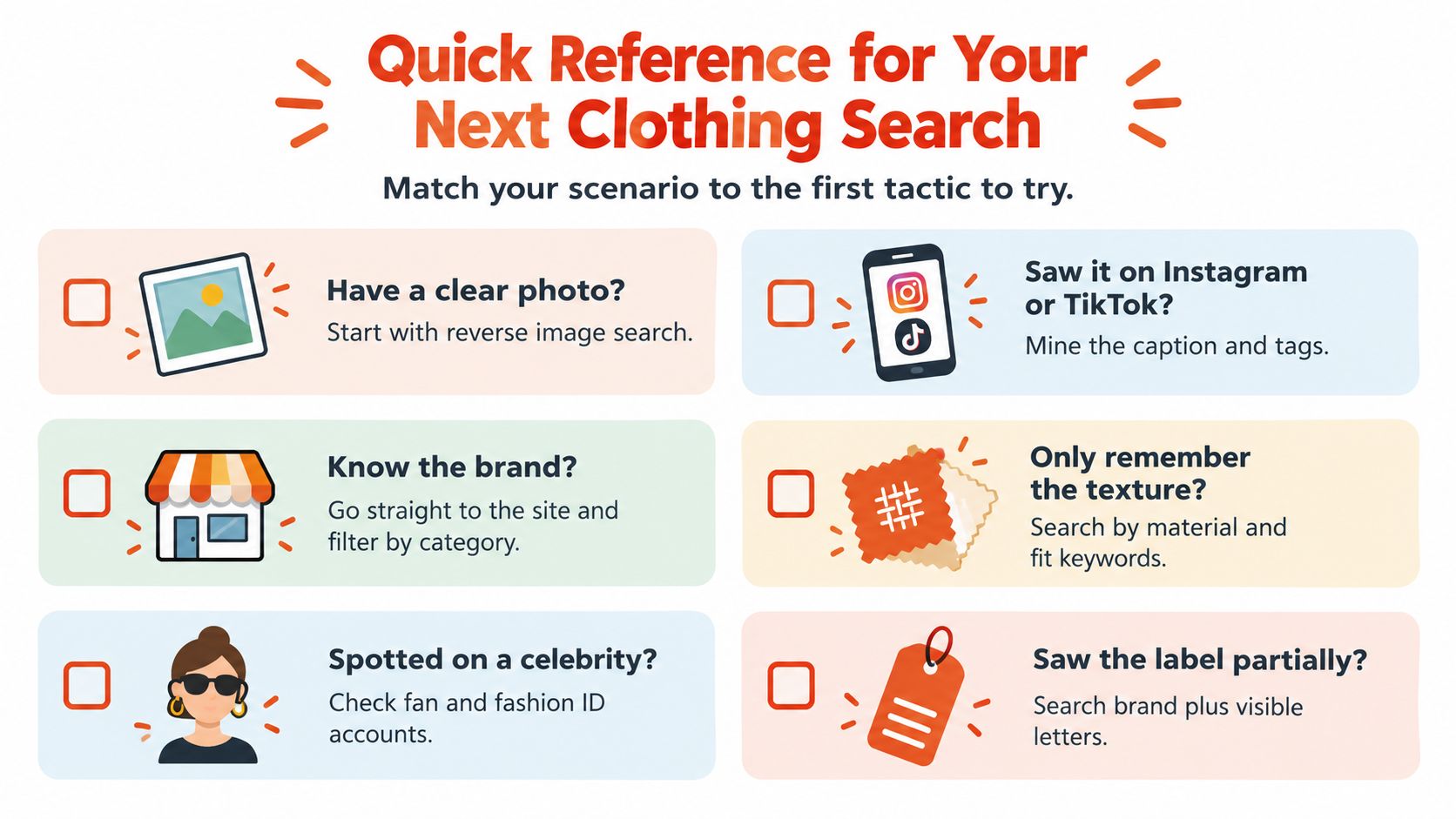
The backup rule is simple: change the evidence, not just the search engine. A full outfit can become a crop, a vague color can become a fabric description, and a brand name can become an archive-season query.
Once you identify the item, confirm the fit before checkout. This guide to taking body measurements for clothing can help you compare your proportions with the seller's measurements, particularly when the garment is final sale or only available through resale.
Robosize helps apparel retailers add shopper-specific size recommendations and virtual try-on directly to product pages, using a short questionnaire and optional selfie to show how a garment may look on the shopper's body. If you run an online clothing store and want fewer uncertain purchases after shoppers find the right piece, visit Robosize to explore the platform.